
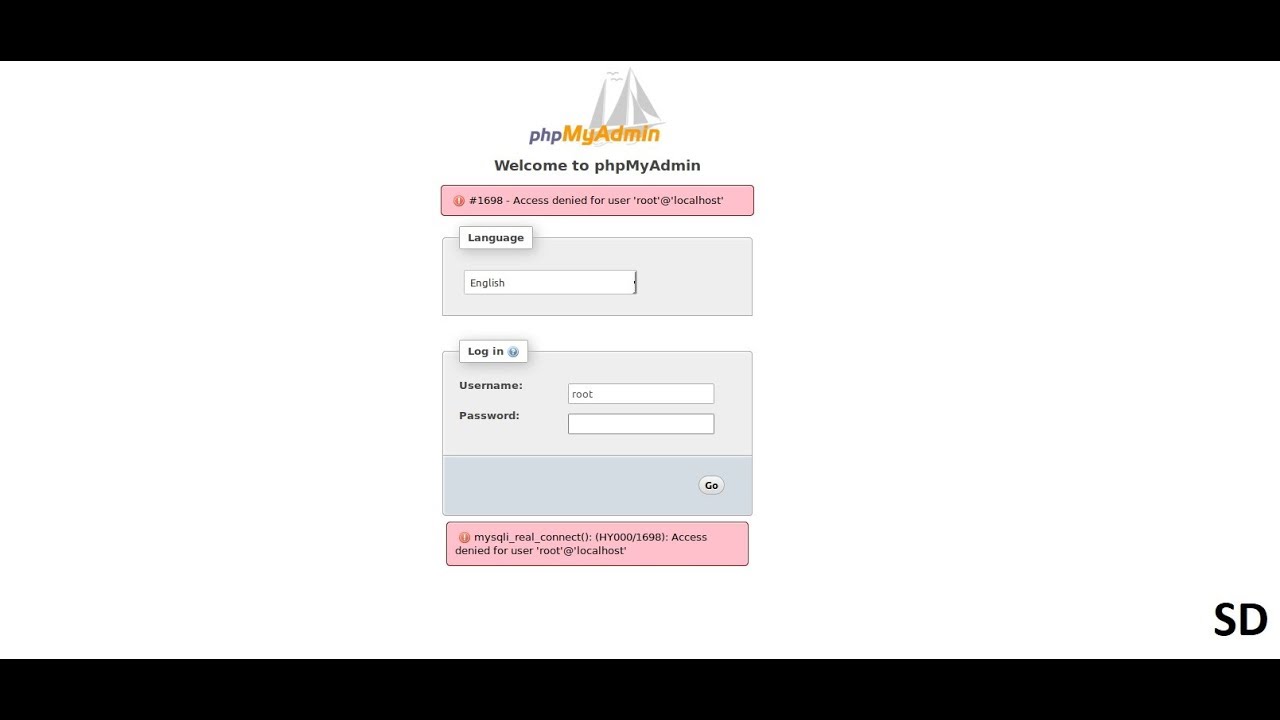
To solve the issue the steps bellow helps me:
Login to your mysql:
sudo mysql -u root
Use your linux root password first then mysql root password
Change Password (if required)
UPDATE mysql.user SET authentication_string=PASSWORD('yourpass') WHERE User='root';
Change Plugin
UPDATE mysql.user SET plugin = 'mysql_native_password' WHERE User='root';
Flash Privilage
flush privileges;
Exit form mysql/MariaDB
exit;
It said that we can’t login as root at phpMyAdmin panel (found on internet). This is because the root user requires sudo to perform anything and this is something blocking us to login to phpMyAdmin however the password is fixed.
So the simple solution for this is to create a new user and password to login to phpMyAdmin in just two simple steps:
Connect to mysql as root user from terminal :
sudo mysql –user=root mysql
Perform a query to add a new user with all privileges at localhost and perform a flush as well.
CREATE USER ‘userName’@’localhost’ IDENTIFIED BY ‘password’; GRANT ALL PRIVILEGES ON *.* TO ‘phpmyadmin’@’localhost’ WITH GRANT OPTION; FLUSH PRIVILEGES;
Thanks a lot, keep sharing knowledge.
Amazing! Its genuinely amazing piece of writing, I have got much clear idea
about from this post.